
Blog
Replacing Public Chat Tools: A Planning Guide for Private-Deployed IM
Public chat tools can't meet enterprise data control needs. Here's how to plan a private-deployed IM migration, plus SafeW's encrypted collaboration pract...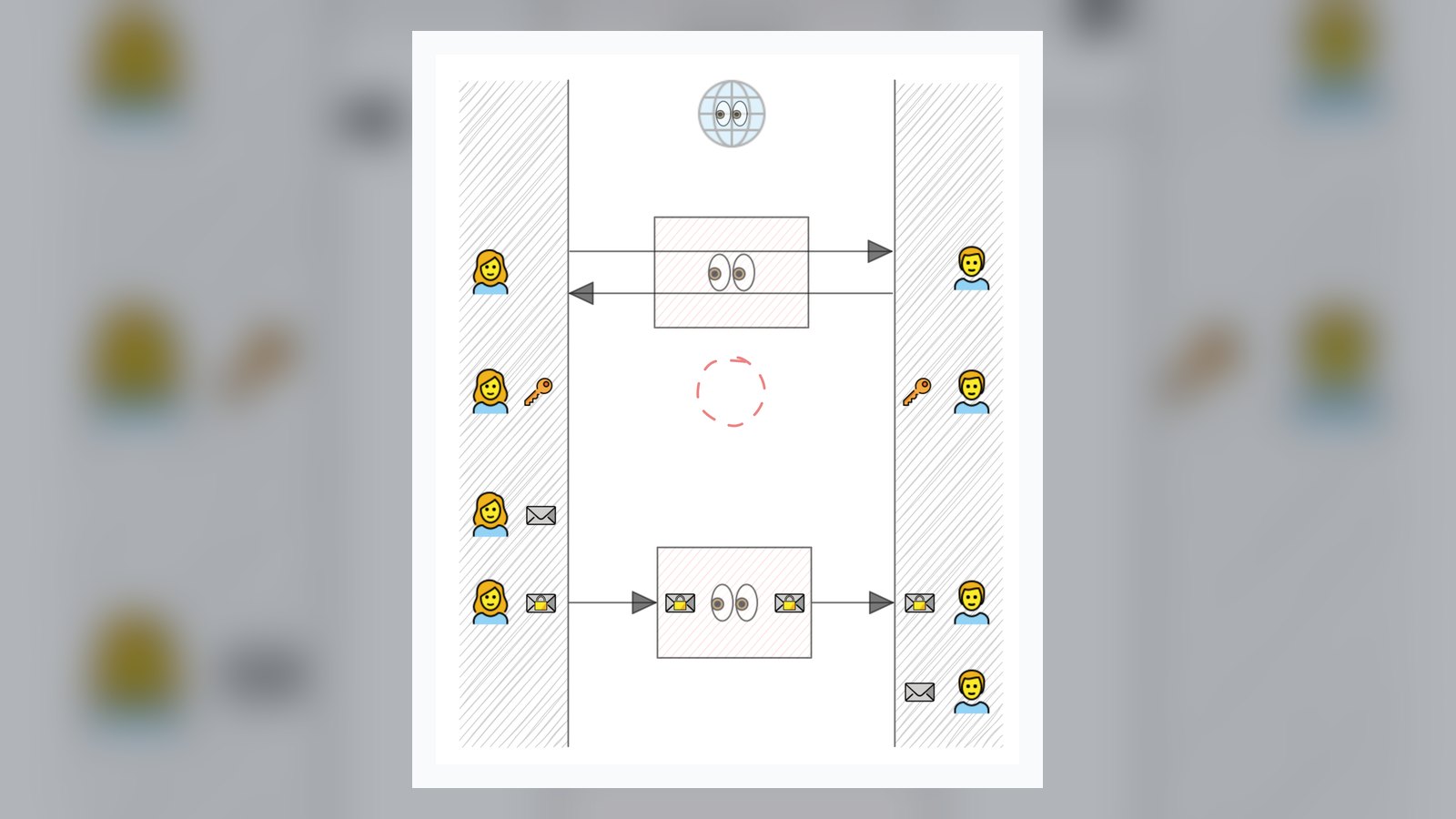
More and more enterprises are finding that their teams' daily communication is scattered across multiple public chat tools, with files, customer information, and internal decision records all stored on third-party servers. Replacing them with a private-deployed IM is not just swapping one chat app for another—it is a re-planning of your communication infrastructure.
Clarify the motivation and scope of the replacement first
Before starting the project, write down your requirements clearly: Is it pressure from data compliance, industry regulatory requirements, or concern that departing employees will take chat records with them? Different motivations correspond to different acceptance criteria. Common enterprise scenarios include: R&D teams discussing unreleased product designs; sales sending quotations and contracts in group chats; factory floors reporting anomalies via mobile phones. All of these scenarios require messages to be controllable, auditable, and traceable.
- Data ownership: Are messages and files stored on the enterprise's own servers?
- Encryption capabilities: Is end-to-end encryption supported, and are transmission and storage separated?
- Organizational structure: Can it integrate with the existing account system and permission model?
- Extensibility: Does it provide Bot/API for integrating approval, alerting, and other systems?
Four capabilities to verify during selection
Evaluating a private-deployed IM cannot rely solely on a feature list; it must be tested in a real network environment. First, is the encrypted chat link complete, and can the server see plaintext? Second, is multi-device sync stable, and are messages consistent when switching between mobile, desktop, and web? Third, what is the performance under large groups and high-frequency messages, such as notification groups with thousands of people or cross-department project groups? Fourth, how open are the Bot/API capabilities—can O&M alerts and ticket statuses be automatically pushed to relevant groups?
For the migration phase, we recommend a phased rollout: first let the IT and security teams trial it, then select one or two business departments for a gray release, and finally switch over completely. Historical records from old tools can be exported and archived according to compliance requirements to avoid information gaps caused by a one-size-fits-all approach.
Operations and security habits after go-live
System launch is only the beginning. Enterprises need to establish supporting policies for group naming conventions, sensitive file sharing, and account recovery processes, and regularly check patches and backups of the private deployment environment. Incorporating secure instant messaging into new employee onboarding training is more effective than holding people accountable after the fact.
If your team is evaluating options, you can start with a small-scale pilot using SafeW: experience daily communication under end-to-end encryption, multi-device sync, and large-group collaboration, then connect existing alerts via Bot/API. Running through one real scenario is often more useful than reading ten pages of specifications when judging whether this private-deployed IM suits your organization.